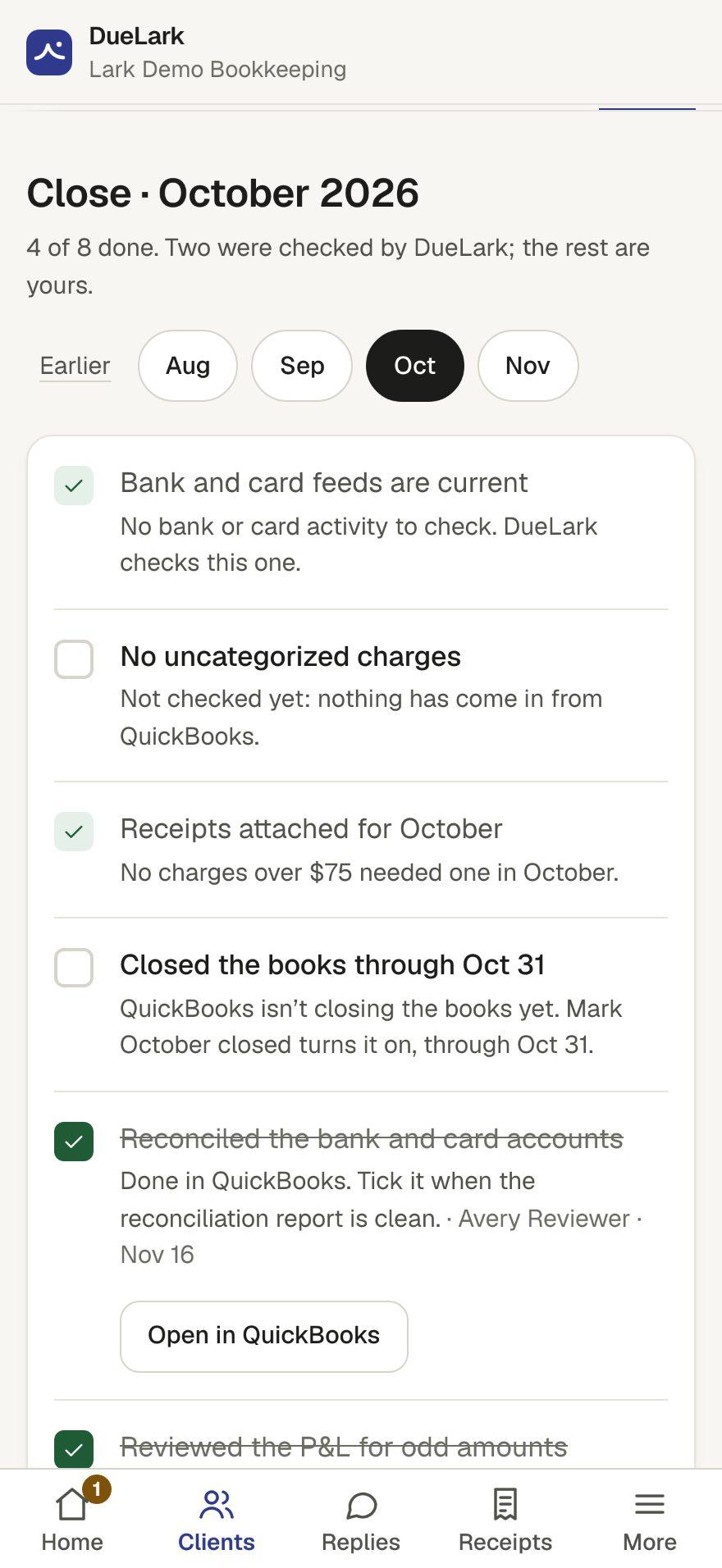
1. Bank and card feeds are current
Every bank and card feed in QuickBooks is current. DueLark checks this one for you, from the newest activity on each account.
2. No uncategorized charges
None of the month’s charges is left in Uncategorized. DueLark counts them and can ask the owner what each one was.
3. Receipts attached for the month
Every charge over your receipt threshold has its receipt, or a signed statement covers it. A charge under the threshold never counts against the close.
4. Closed the books through the month’s last day
QuickBooks’ close date is set through the last day of the month. DueLark’s Mark closed sets it for you, never backwards. Or set it in QuickBooks and tick it.
5. Reconciled each account
Each bank and card account is reconciled for the month in QuickBooks. QuickBooks doesn’t share that with apps, so you tick it.
6. Reviewed the P&L for odd amounts
Someone has read the month’s profit and loss looking for odd amounts. You tick it.
Your own steps
A firm can add its own steps to the list. It can also reword the two default steps, or leave either out.
Checked 25 November 2026.