How QuickBooks reminders work
You turn them on in Account and settings, on the Sales tab, under Automatic invoice reminders. Then you switch on each reminder. [1]
Each one goes a number of days before or after the due date, which you choose. That can be up to 90 days either way. [1]
You start with Reminder 1, and can add a second and a third. [1]
QuickBooks sends them only for invoices you’ve already emailed. [1]
You can change each reminder’s email template. The templates you set are used for every invoice’s reminders. [1]
What happens after the reminder
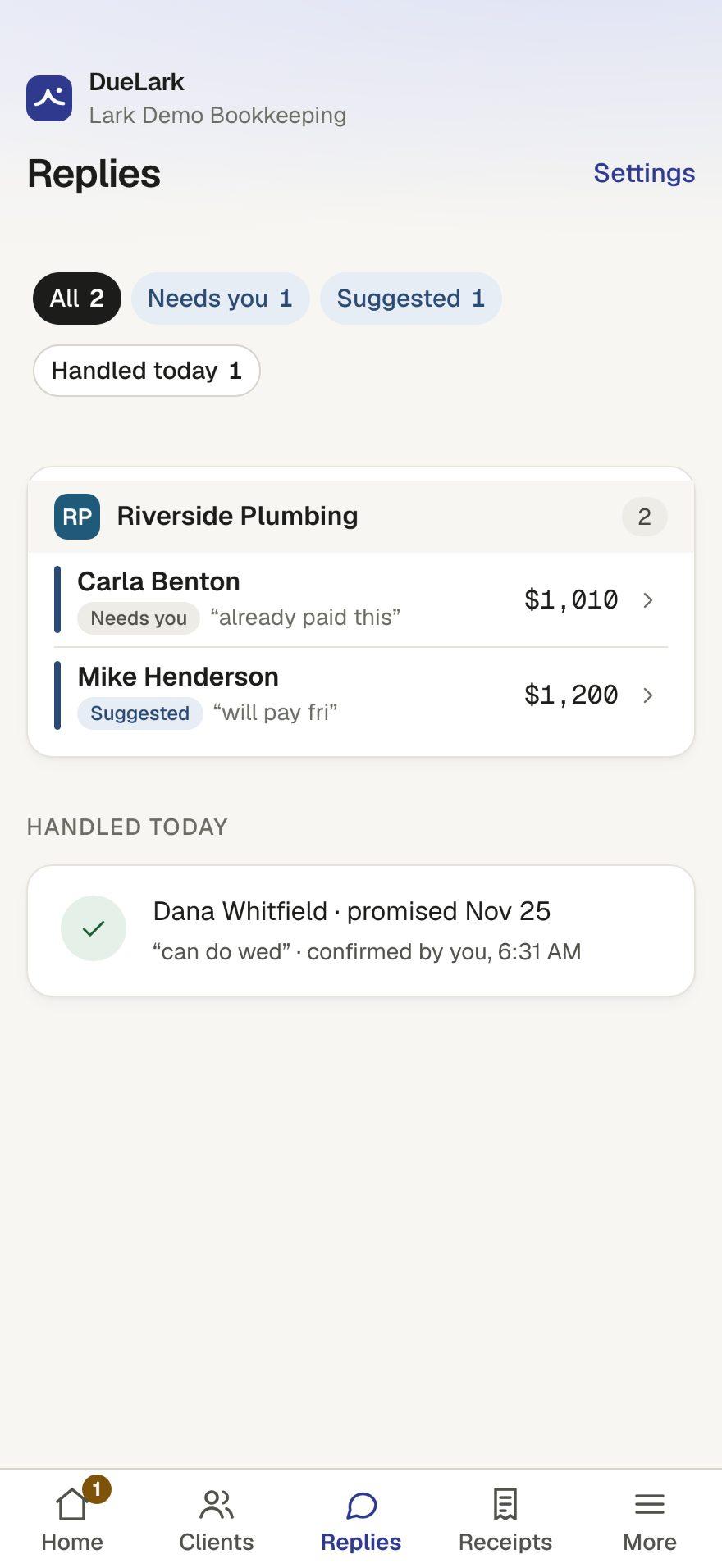
- A customer replies “I already paid.” DueLark looks in QuickBooks and pauses that invoice. Not there? You hear.
- A customer says “Can I pay Friday?” Reminders wait until Friday; a gentle nudge follows if it slips.
- An owner has to answer something. DueLark asks in your firm’s name: a receipt, a charge, a reconnect.
- It’s time to stop. Paid, promised, disputed, or the owner says no: DueLark stops.
- You have twenty clients. One list across all twenty, worst first.
- The owner wonders if it’s working. A short weekly note from your firm: what came in, what’s open.
QuickBooks and DueLark, side by side
| QuickBooks’ reminders | DueLark’s |
|---|---|
| Email reminders.[1] | By email, in your client’s name, with a pay link. |
| The same reminders for every invoice.[1] | Your schedule and your words. |
| No switch for just one customer.[2] | Pause anyone; stops when they pay. |
Using both
Keep QuickBooks for invoicing. We’ll help you switch its own reminders off, so customers hear from you once.
Checked 25 November 2026.